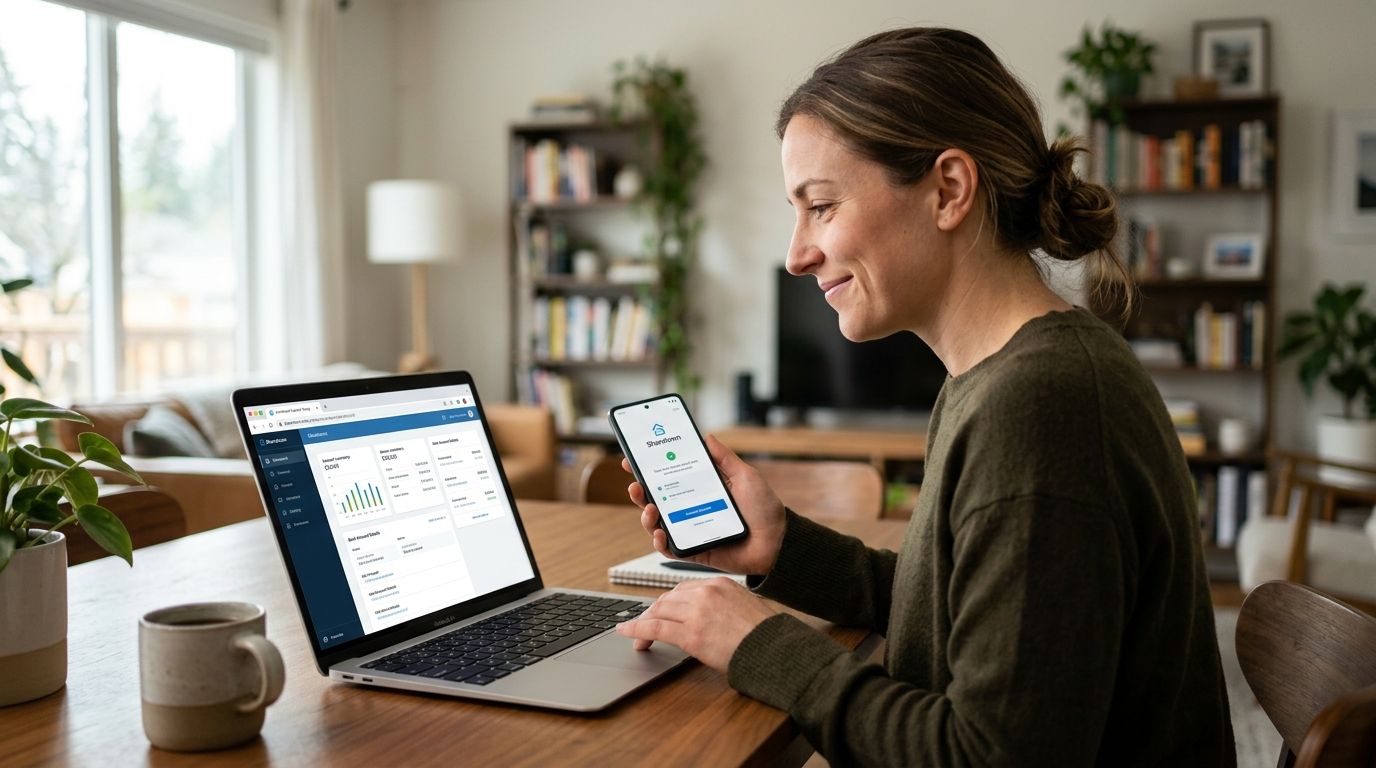
Waiting on a paper check or chasing down a missing payout kills momentum for any Sharetown Rep trying to turn pickups into steady income. Connect your bank account inside your Sharetown Rep dashboard once, and every completed sale routes straight to your account without a follow-up call or a support ticket.
TL;DR
A Sharetown Rep who picks up mattresses, treadmills, and furniture from retail returns gets paid after each resale clears, not on some fixed monthly cycle tied to a W-2 job. If your bank account isn't connected and verified, payouts sit pending instead of landing in your account. Getting this set up correctly the first time means one less thing standing between a completed pickup and cash you can actually spend.
This matters more in 2026 than it did a few years back, since more retailers are routing bulky-item returns through gig networks like Sharetown, which means more Reps are onboarding, connecting payouts, and hitting the same setup snags in their first week.
Expected result: your bank account shows a Pending Verification status in the Payouts section immediately after submission.
Expected result: your Payouts section shows Active next to your bank account, and the next completed resale routes payment there without further action.
Some Reps run their resale side hustle as a registered business rather than tying it to a personal account. The connection steps are identical — routing number, account number, verification — but the account name on file needs to match the business name tied to your Sharetown profile, not your personal name. If you haven't set one up yet, opening a dedicated business bank account for your resale side hustle keeps payout deposits separate from personal spending and makes tax season easier to sort through.
Start earning as a Sharetown Rep
Pick up bulky retail returns and resell them locally for profit.
Once payouts land reliably, the next bottleneck is usually tracking what you made and what you owe. Pairing your connected bank account with a payment and invoicing app built for resale side hustles closes the loop between a completed sale and a reconciled ledger, so you're not reconstructing income at tax time from memory. Reps running a higher volume of flips in 2026 also benefit from separating payout tracking from expense tracking early, rather than untangling both at once in April.
How do I connect Sharetown payouts to my bank account?
Open the Payouts section in your Sharetown Rep dashboard, select Add Bank Account, and enter your routing and account numbers or use instant login verification. The account activates once verification completes, usually within 1-2 business days for manual entry.
Why did my bank account verification fail?
The most common cause is a name mismatch between your Sharetown Rep profile and the bank account. Confirm both names match exactly, including middle names or suffixes, before resubmitting.
How long does bank verification take for Sharetown payouts?
Instant verification through your online banking login activates immediately. Manual verification using two small test deposits typically takes 1-2 business days to post before you can confirm the amounts.
Can I use a business bank account for Sharetown payouts?
Yes, a business bank account connects the same way as a personal one. The account name on file needs to match the business name tied to your Sharetown Rep profile.
What if my payout status stays pending?
Check that the deposit amounts you entered during manual verification match exactly what posted to your account. A mismatch of even a single cent resets the verification attempt.
Do I need a checking account or a savings account to connect payouts?
Either works, but you have to select the correct account type during setup. Choosing the wrong type is a common reason connections get rejected even when the numbers are right.
Can I change my bank account after it's already connected?
Yes, return to the Payouts section, add the new account, and complete verification before removing the old one to avoid a gap in payout routing.
Is there a fee to connect a bank account for Sharetown payouts?
Check the current terms in your Rep dashboard, since fee structures for payout methods can vary and change over time.
The single most avoidable delay in this whole process is a name mismatch — not a bad routing number, not a slow bank, just a Rep profile that says "Mike" and a bank account that says "Michael." Fix that one detail before you submit anything and verification clears on the first attempt almost every time in 2026.