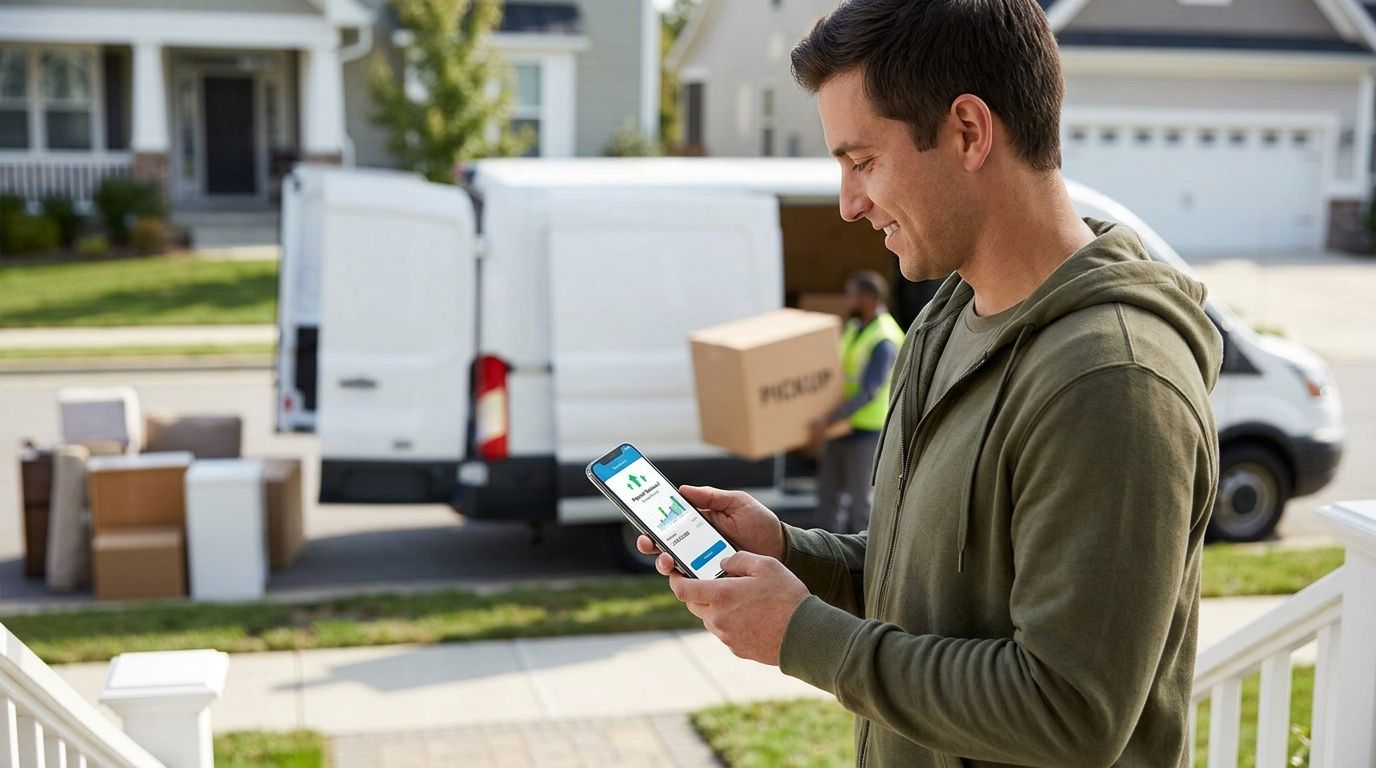
Chasing a Sharetown payout deposit, then hunting down a Venmo screenshot from the guy who bought your flipped dresser, then trying to remember which was which come tax time — that's not a system, that's a Saturday-morning headache. Set up a PayPal Business account as the single collection point for your pickup income in 2026, and every dollar — Sharetown payouts, buyer payments, resale invoices — lands in one ledger you can export in seconds instead of three apps you have to cross-reference by hand.
TL;DR
Sharetown reps aren't running one income stream — they're running two. Sharetown itself deposits pickup earnings to a linked bank account, and separately, local buyers pay for the mattresses, dressers, and treadmills you resell. If those two streams never meet in one place, you're reconciling manually every month, and manual reconciliation is where reps lose track of what's actually taxable.
A PayPal Business account fixes that by becoming the hub buyers pay into and the account you can reconcile against your Sharetown payout statements. It doesn't replace your Sharetown payout method — it organizes what happens after the money lands.
Expected result: your dashboard shows a Get Verified banner instead of a live balance. That's normal — verification is the next step, not a mistake.
Expected result: the account shows Confirmed next to its name, and you can pull funds out of PayPal without a hold once your Business account itself is verified.
Expected result: every buyer payment lands tagged as an invoice rather than a "friends and family" transfer, which keeps it traceable when tax season arrives.
Expected result: one CSV shows both income streams broken out by source, ready to hand off whenever you sit down to track resale taxes for the quarter.
Start earning from pickups today
Pick up returned mattresses and furniture, resell locally, keep the profit.
If you also list flipped pieces on eBay or OfferUp alongside Sharetown pickups, those platforms don't all settle the same way. eBay's Managed Payments system often pays out straight to a linked bank account rather than PayPal, so check your eBay payout preference before assuming a sale routes into this same PayPal Business ledger. The Sharetown pickup to eBay workflow walks through the exact settings so eBay proceeds don't fall through a gap in your bookkeeping.
Once PayPal Business is your income hub, the next gap to close is where that money sits before tax season. A dedicated business bank account for a resale side hustle keeps Sharetown payouts and PayPal withdrawals separate from your personal checking, which makes quarterly estimates far less painful. From there, most reps export the same PayPal CSV straight into QuickBooks or a spreadsheet built for 1099 tracking — the export step is identical no matter which tool receives it in 2026.
The verdict: a PayPal Business account is the right hub for sharetown pickup income to paypal business account routing in 2026 when you link the exact bank account Sharetown already pays into and treat buyer payments as invoices, not personal transfers.
Can Sharetown pay me directly into PayPal?
Sharetown deposits pickup earnings into a linked bank account, not directly into PayPal. PayPal Business becomes the hub after the fact, collecting buyer payments and giving you one place to reconcile both income streams.
How do I set up a PayPal Business account for resale income?
Sign up at paypal.com, choose Business account, select a Used Merchandise category, and link the same bank account tied to your Sharetown payouts. Verification typically involves an SSN or EIN and a government ID.
Is a PayPal Business account necessary for a Sharetown side hustle?
It's not required to receive Sharetown payouts, but it separates buyer payments from personal transfers and makes tax tracking far cleaner in 2026 than juggling Venmo, cash, and bank deposits separately.
What's the difference between PayPal Personal and Business accounts for resellers?
Business accounts allow invoicing, business categories, and cleaner 1099 tracking. Personal accounts cap certain transfer types and mix resale income with personal transactions, which complicates tax season.
How long does PayPal Business verification take?
Verification usually clears within a few days once you submit an EIN or SSN, a government ID, and confirm the two micro-deposits sent to your linked bank account.
Do I need a business bank account before opening PayPal Business?
No, but pairing the two keeps resale income fully separate from personal spending. Most reps open the bank account first, then link it to PayPal Business.
How do I track Sharetown 1099 income if it doesn't go through PayPal?
Download your Sharetown payout statements separately and label matching entries in your PayPal CSV export so both income sources reconcile against the same date range each month.
Can I use PayPal Business to invoice local buyers for furniture pickups?
Yes. PayPal Business invoicing tags buyer payments as trackable income instead of informal transfers, which matters when you're reporting resale profit at tax time.
Reps who set up the bank link and invoice template before their first big pickup weekend skip the 1-2 day micro-deposit wait entirely — the ones who wait until a buyer is standing in their driveway with cash-app confusion are the ones who lose the sale. Build the account in 2026 before you need it, not the day you do.