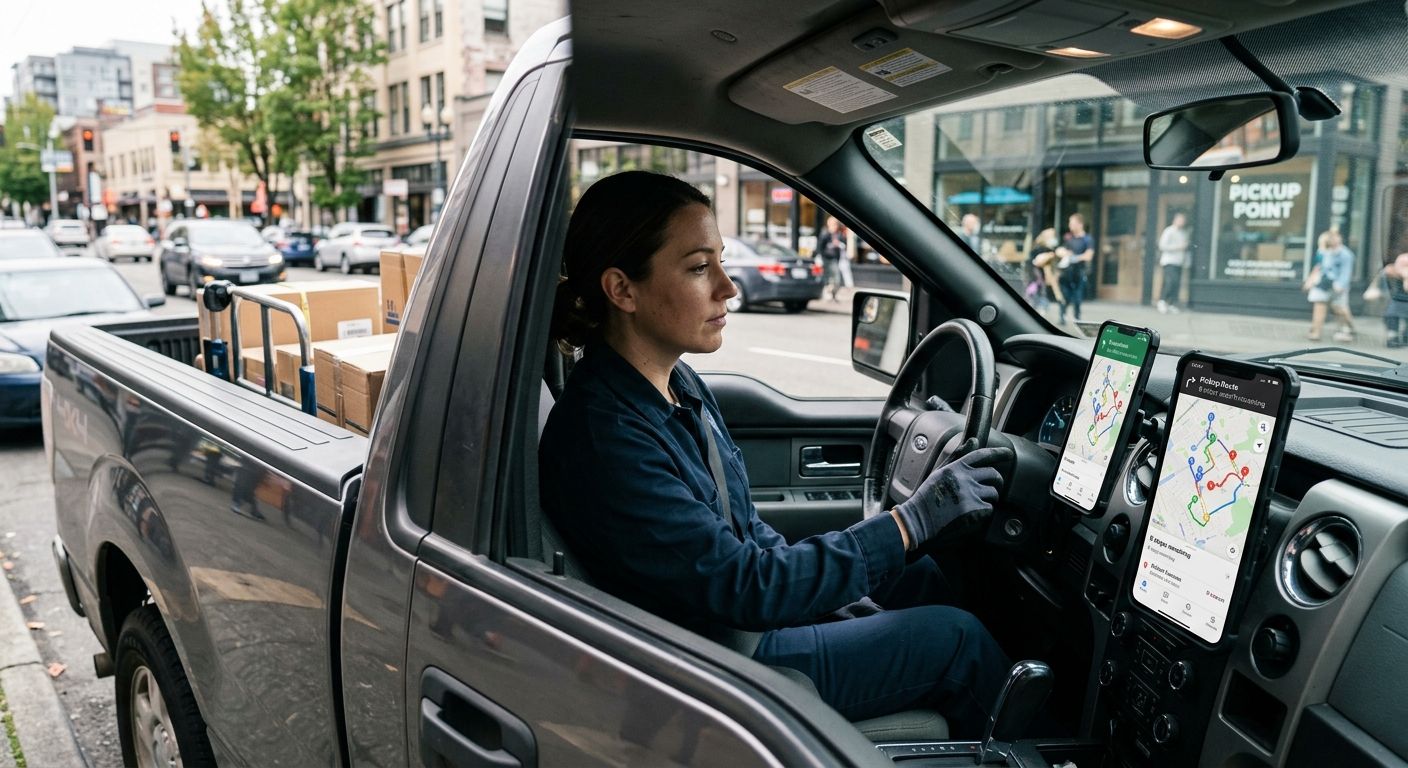
If a pickup route has more than two stops, the built-in maps app on your phone stops being enough. Circuit Route Planner wins overall for reps juggling multiple retailer pickups in one day, Route4Me wins for high-volume multi-retailer routes, and Google Maps still covers you on days with a single stop. Here's how each app handles the actual job: getting to a retailer, loading a mattress or a treadmill, and getting to the next stop without wasting gas.
TL;DR
A Sharetown pickup route isn't a straight line between two addresses. You're loading a mattress at one retailer's return dock, a dresser at another, and a treadmill from a third — all before storage or resale windows close. The wrong app either can't reorder stops for you or drops you into traffic it never saw coming.
Pick the wrong tool and you burn an extra hour driving in circles. Pick the right one and your apps to make money with a pickup truck stack actually earns its keep instead of just tracking mileage after the fact.
Circuit Route Planner
Google Maps
Waze
Route4Me
OptimoRoute
Badger Maps
Circuit Route Planner takes a list of addresses and reorders them into the fastest driving sequence, then updates the order live if a stop gets cancelled or added. It's built around one driver checking off stops, not a dispatch team managing a fleet. For a Sharetown rep picking up from three or four retailers before noon, that's the entire job description.
Circuit Route Planner pros:
Circuit Route Planner cons:
Circuit Route Planner best for: solo reps running 5 or more pickup stops in one day. Verdict: Buy.
Google Maps handles turn-by-turn navigation and basic multi-stop routing that most drivers already have installed. On a day with one or two pickups, there's no reason to open anything else — it's fast, it's familiar, and it knows the roads.
Google Maps pros:
Google Maps cons:
Google Maps best for: casual pickup days with one or two stops. Verdict: Hold — fine as a backup, not your main route tool once volume climbs.
Waze exists to get you from point A to point B as fast as possible using live, crowd-sourced traffic data — accidents, speed traps, road closures reported by other drivers in real time. It's the strongest single-leg navigation tool on this list, especially in a dense metro area where one accident can add 30 minutes to a pickup route.
Waze pros:
Waze cons:
Waze best for: navigating a single leg of a route through heavy city traffic. Verdict: Hold — pair it alongside a route planner, don't use it as your route planner.
Route4Me is built for drivers running dozens of stops across a week, not just a handful in a day. It imports stop lists in bulk and optimizes across multiple days, which matters once a Sharetown rep is pulling from several retailer locations on a regular schedule instead of picking up occasionally.
Route4Me pros:
Route4Me cons:
Route4Me best for: reps running high-volume routes across multiple retailers every week. Verdict: Buy — once volume justifies the setup.
OptimoRoute lets you build tomorrow's route the night before, factoring in retailer pickup windows so you're not guessing which dock closes first. It's designed around scheduled time windows more than any other app on this list, which fits a route built around retailer return-pickup slots.
OptimoRoute pros:
OptimoRoute cons:
OptimoRoute best for: reps planning next-day pickups around strict retailer time windows. Verdict: Buy — if your pickups run on fixed windows.
Badger Maps blends route mapping with account and territory tracking, built originally for field sales reps who visit the same accounts on a rotation. If part of your job is checking in with retailer contacts and building repeat pickup relationships, not just driving between docks, this is the one tool on the list that tracks both.
Badger Maps pros:
Badger Maps cons:
Badger Maps best for: reps who treat retailer contacts as ongoing accounts, not one-off stops. Verdict: Hold — only if account tracking matters to your route.
Each app was weighed against the six criteria above: optimization, real-time traffic handling, time-window support, solo usability, low-signal reliability, and ease of editing stops mid-route. Apps that only nail one or two of those — like Waze on traffic, or Google Maps on universal availability — got ranked for that narrow use case instead of scored as an all-around winner.
Running five or more retailer pickups a day in 2026 means Circuit Route Planner is the default pick — it reorders stops without extra setup. Once your route stretches across a full week of multiple retailers, Route4Me earns the switch. If today is a one-stop day, open Google Maps and move on.
Build a smarter resale route
See how reps sequence multi-retailer pickups for maximum resale profit.
Getting the route right is only half the job — knowing which loads are worth the drive matters just as much. Reps who pair a solid route planner with a plan for fuel-efficient trucks for hauling tend to keep more of what they earn per pickup day in 2026.
What's the best route planning app for pickup and delivery in 2026?
Circuit Route Planner is the best overall pick for solo reps running multiple pickup stops in one day. Route4Me takes over once you're managing high-volume routes across several retailers every week.
Is Google Maps good enough for a pickup route?
Google Maps works fine for a single-stop or two-stop pickup day since it's already installed and reliable for turn-by-turn navigation. It caps how many stops you can queue in one route, so it struggles once you're running five or more pickups.
Can Waze plan a multi-stop pickup route?
No — Waze is built for single-destination navigation with live traffic alerts, not multi-stop route optimization. Use it alongside a dedicated route planner rather than in place of one.
Do route planning apps account for retailer pickup windows?
OptimoRoute is the strongest option for scheduling around fixed pickup time windows, letting you build the next day's route the night before. Circuit Route Planner and Route4Me handle stop order well but weigh time windows less heavily.
Which route app is easiest for a solo driver with no dispatch team?
Circuit Route Planner is the simplest for one driver managing their own stops, with no dispatcher or team account required. Route4Me and OptimoRoute both lean toward dispatch-team setups.
Is Badger Maps worth it for a pickup-only route?
Only if you're also tracking retailer relationships as ongoing accounts, since Badger Maps blends route mapping with visit history. For pure pickup-and-load logistics, that account-tracking layer goes unused.
How many stops can one route handle before I need a dedicated app?
Once a pickup day includes three or more stops across different retailers, a dedicated multi-stop optimizer like Circuit Route Planner starts saving real driving time. Below that, a standard maps app is usually enough.
The app matters less than what happens after the pickup. A perfectly optimized route still ends at a truck bed full of furniture that needs a place to go — sort your resale plan for each stop before you start driving, not after you've already loaded three pieces you didn't need to take.